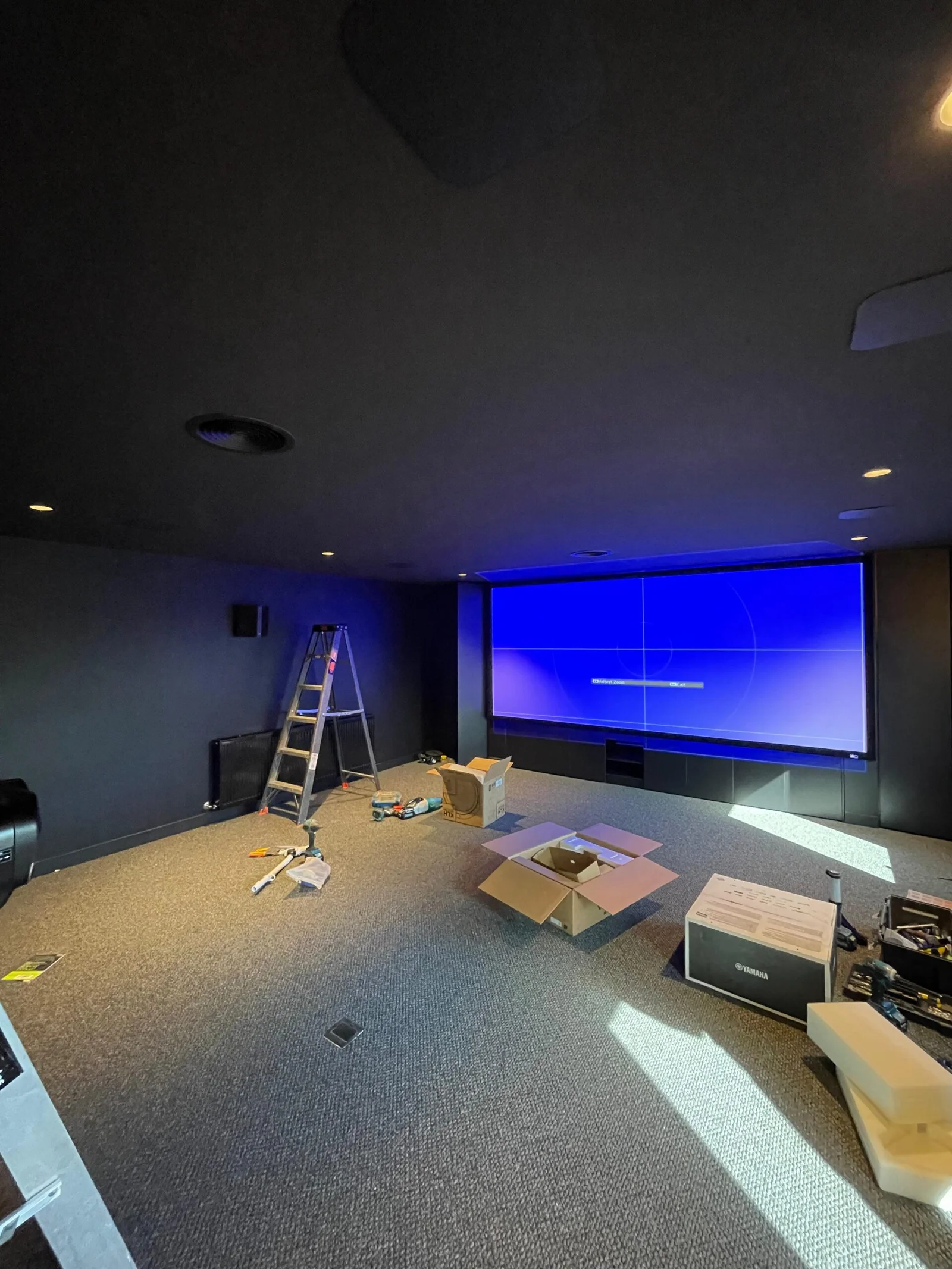
Planning a home cinema is super fun and can be really rewarding when done right. Here’s a step-by-step guide to help you plan your dream setup:
🎯 1. Define Your Goals
Ask yourself:
- What’s the main purpose? Movies, sports, gaming?
- How many people will use it? Just you, family, or frequent guests?
- Do you want a luxury cinema vibe or a cozy media room?
📍 2. Choose the Right Location
- Spare room, basement, or large living room are common spots.
- Look for a room you can darken easily, ideally with minimal natural light.
- Rectangular rooms work best for acoustics.
📏 3. Plan Room Layout & Seating
- Decide on screen placement first (usually the short wall).
- Seating should be centered with the screen and placed at the optimal distance:
- For a projector & 120″ screen: 10–14 feet away
- For a 65″ TV: 6–8 feet away
- Consider tiered seating if you want multiple rows.
🎥 4. Choose Your Display
- Projector & screen: More cinematic, great for big rooms.
- Needs blackout conditions.
- Large OLED/QLED TV: Easier setup, great for smaller rooms or mixed-use spaces.
🔊 5. Sound System
- Aim for at least a 5.1 surround sound system:
- 3 front speakers (left, center, right)
- 2 rear speakers
- 1 subwoofer
- For a true cinema feel, go 7.1 or Dolby Atmos with ceiling or upward-firing speakers.
🎛️ 6. Acoustic Treatment
- Carpeting, heavy curtains, wall panels, and soft furnishings improve sound.
- Consider bass traps and diffusers if you’re going pro.
💡 7. Lighting
- Use dimmable lights or smart lighting.
- LED strip lights along the floor or behind the screen give a cool touch.
- Avoid reflections on the screen!
🛠️ 8. Wiring & Equipment Rack
- Run HDMI, speaker wire, and power cables through walls or conduits.
- Use an equipment rack or cabinet for AV receiver, game consoles, media players, etc.
- Think about ventilation for gear.
🧼 9. Decor & Comfort
- Wall color: Dark matte shades reduce reflections.
- Recliner chairs or comfy sofas
- Movie posters, curtains, popcorn machine for fun
🔁 10. Test & Tweak
- Calibrate your audio system (many receivers have built-in tools).
- Adjust speaker angles and distances.
- Fine-tune picture settings for brightness and contrast.