Home Cinema
"A True Cinema Experience. Designed for Your Home."
A great home cinema isn’t about expensive equipment.
It’s about intelligent design, precise acoustics, and flawless performance — tailored to your space.
Free Consultation & Quote
"Get a personalised quote "
Countless Happy Clients
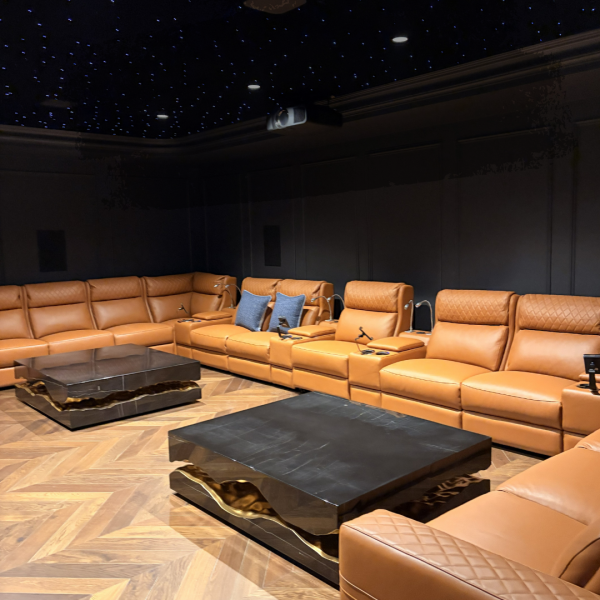
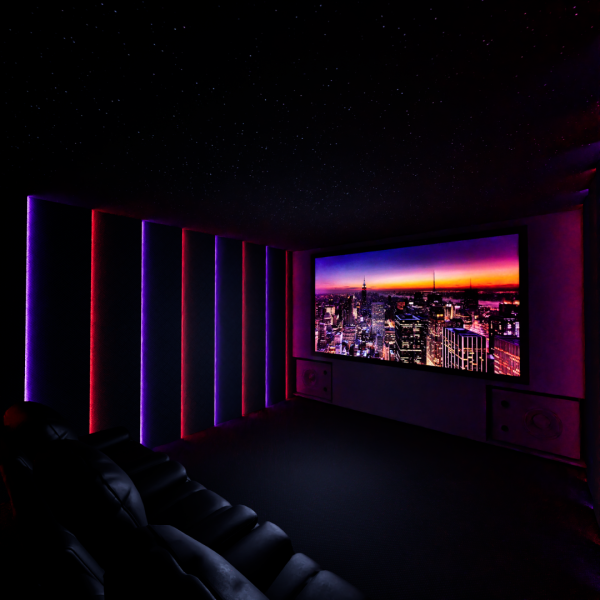
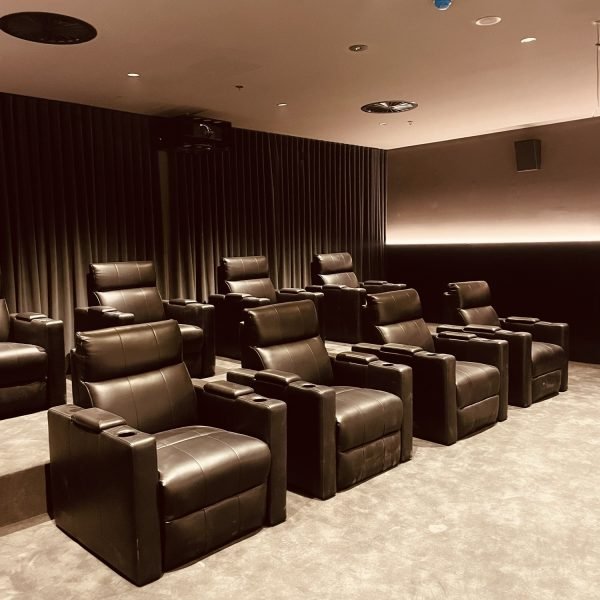
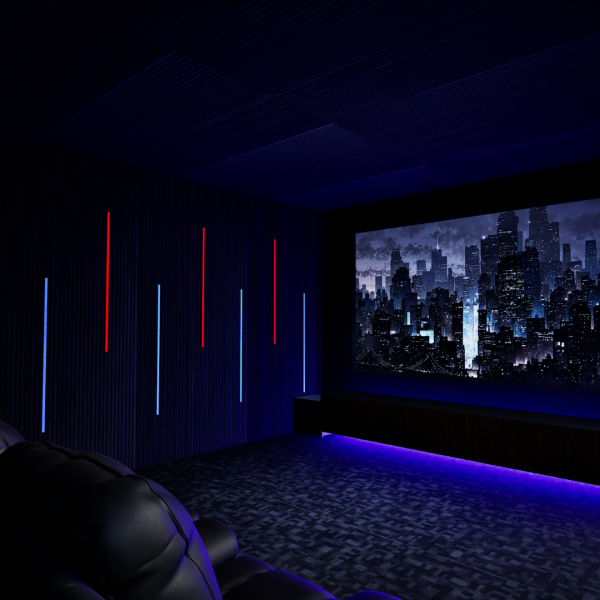
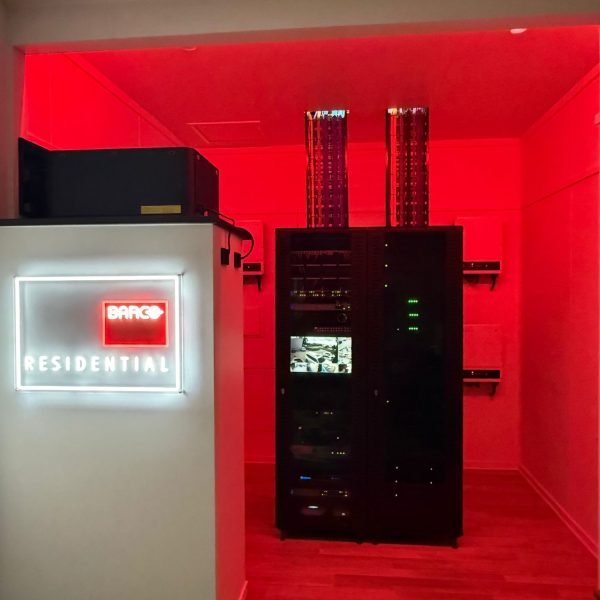
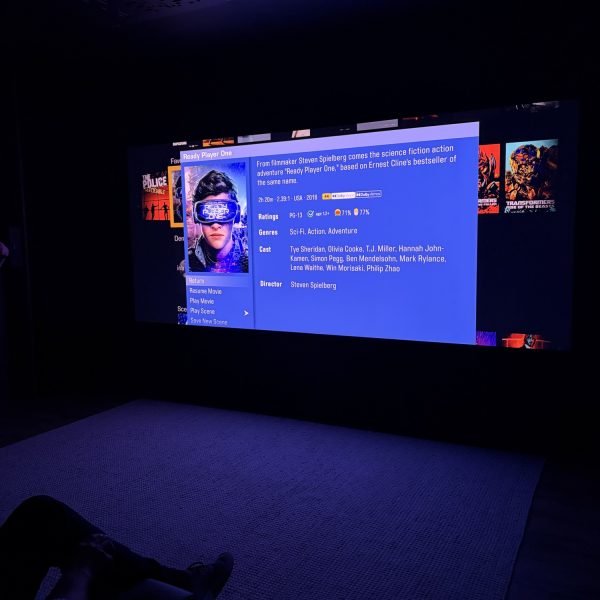
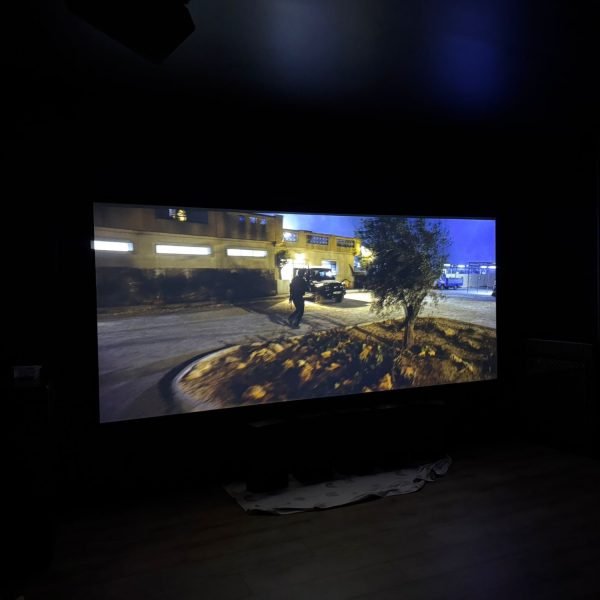
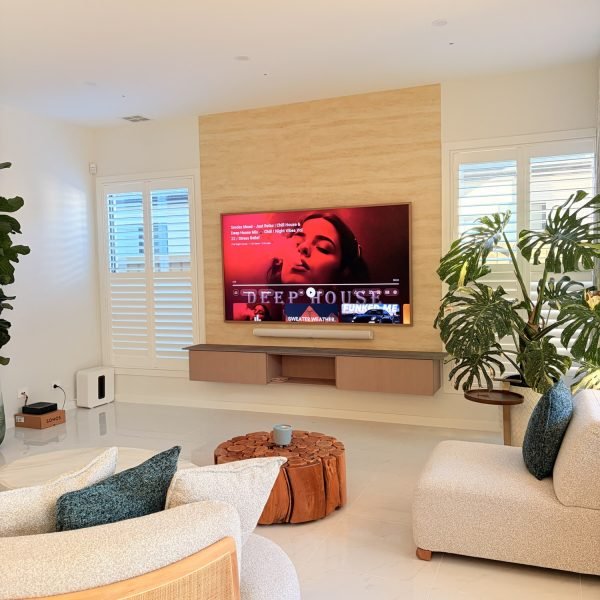
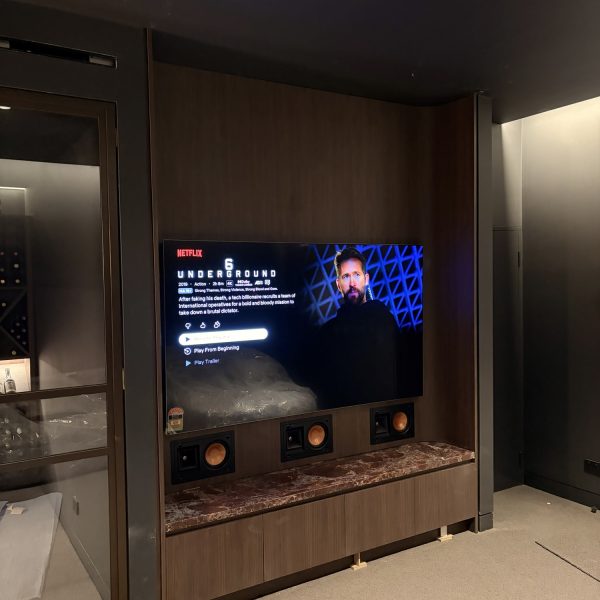
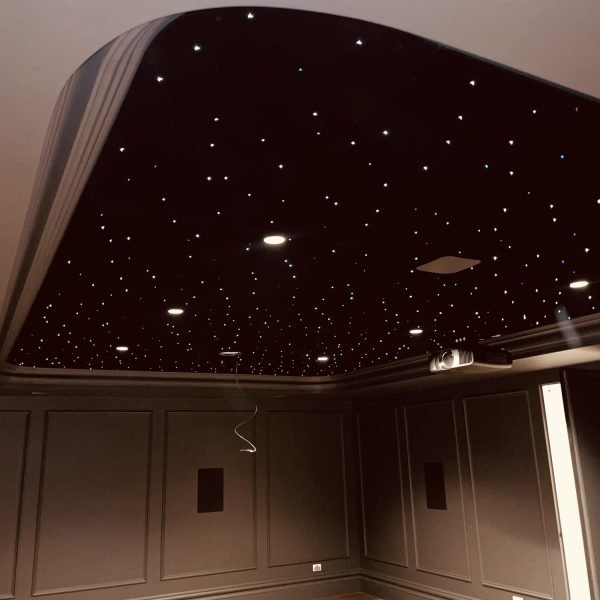
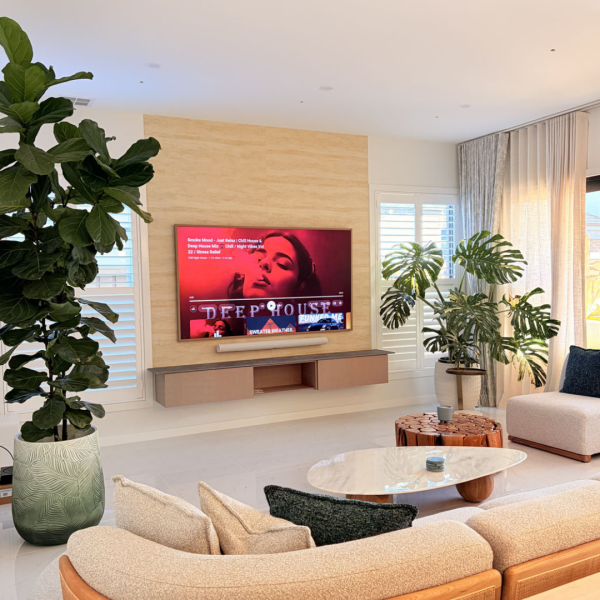
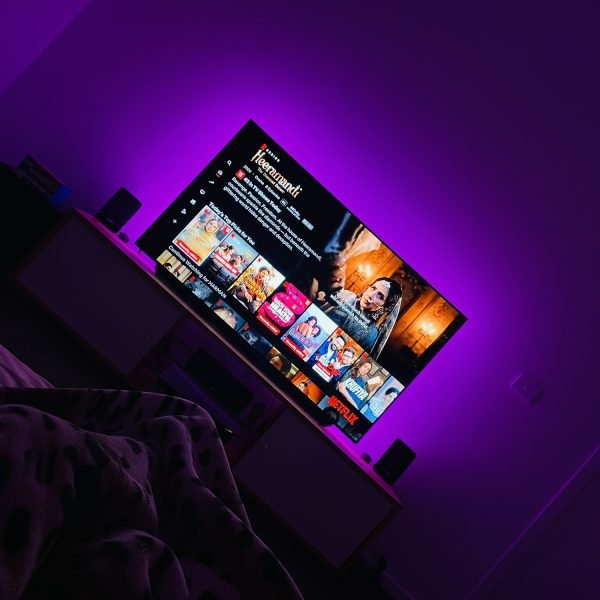
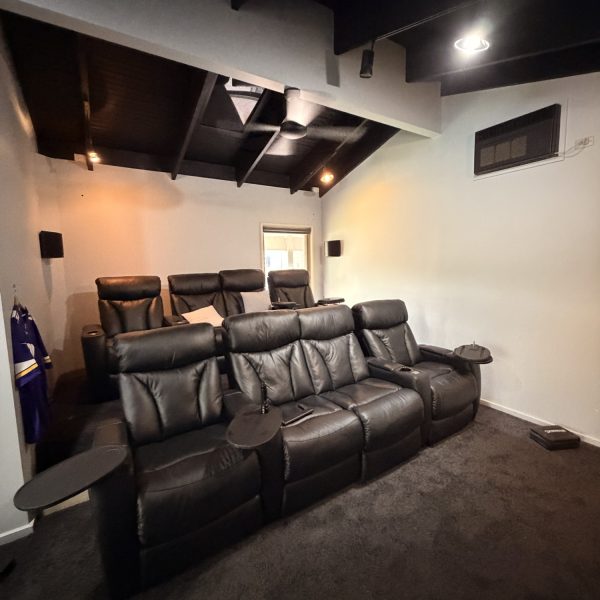
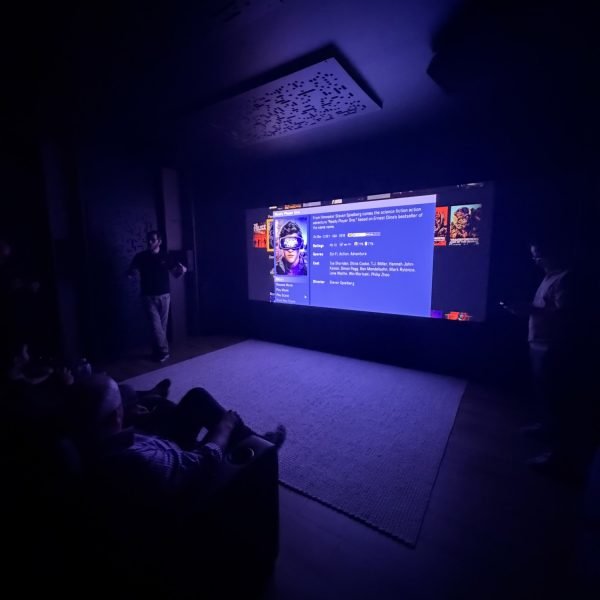
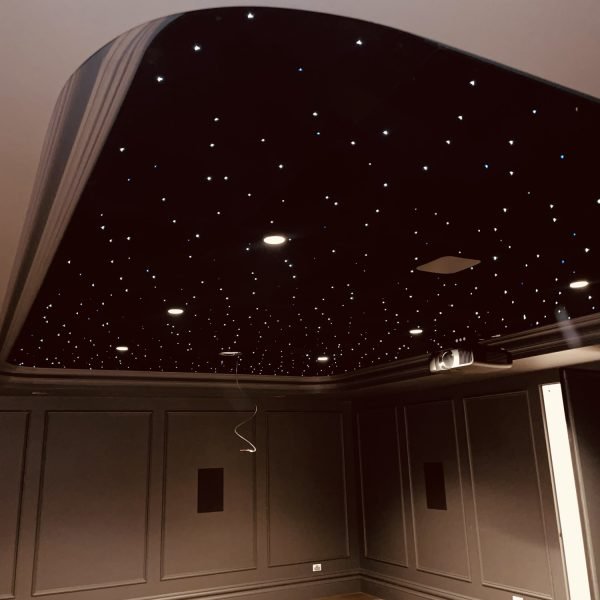
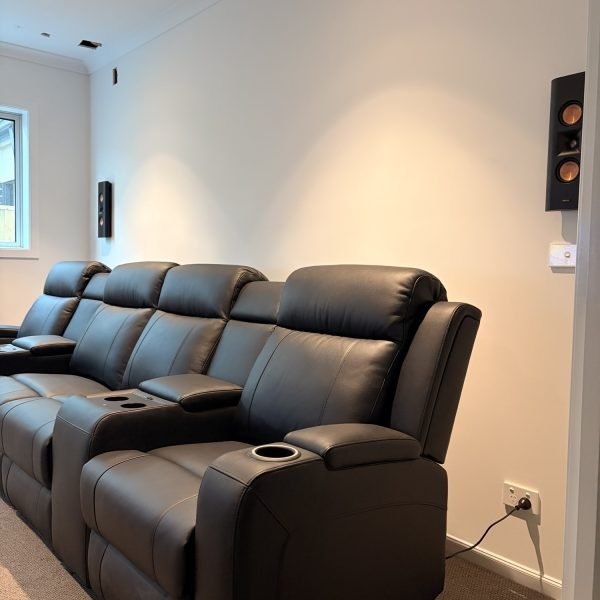
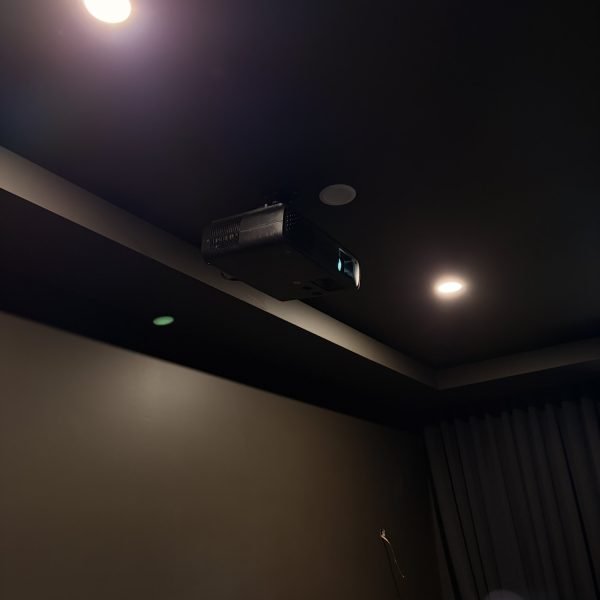
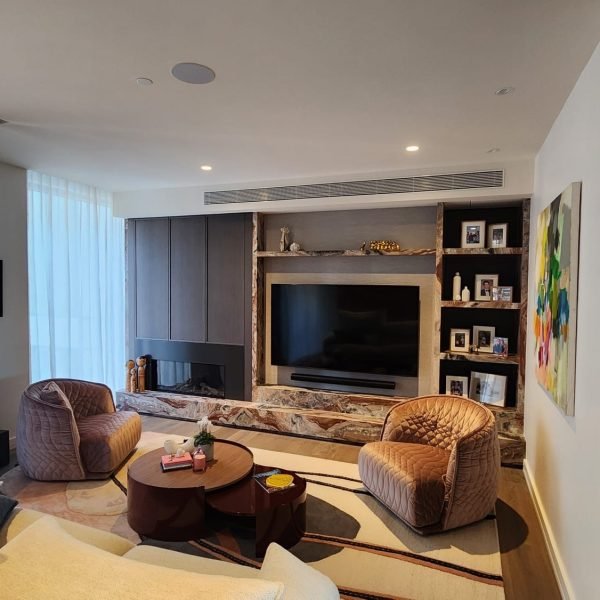
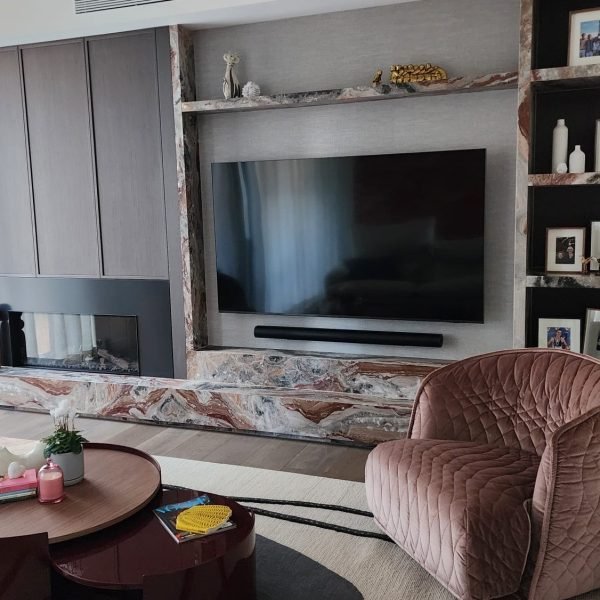
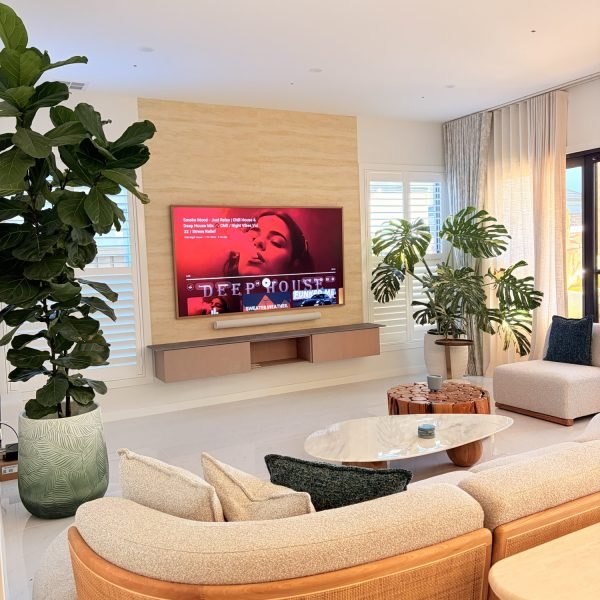
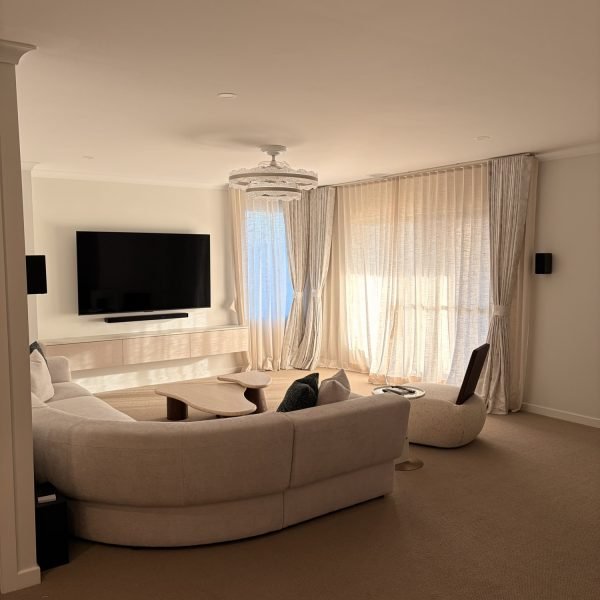
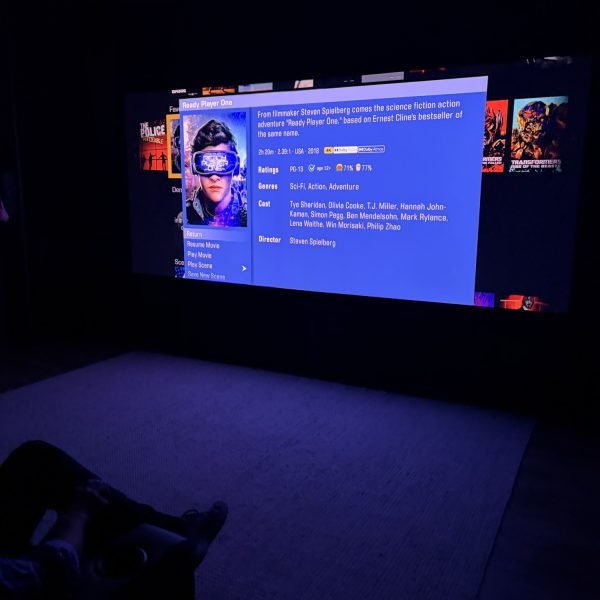
Showcasing Excellence
Explore our recent Home theatre & Cinema Projects.
Our Process
“Our Process: From Vision to Reality”
Designed First. Built Right.
We start with design.
Before installation, we plan:
- Room layout and viewing angles
- Speaker placement and Dolby Atmos design
- Acoustic treatment and sound control
- Screen size, lighting, and integration
This ensures your cinema performs exactly as intended — from day one..”
Pre-Wiring & Installation.
Pre-wiring and installation form the foundation of a high-performance home Theatre & Cinema Room.
Every cable, speaker position, and connection is planned and executed with precision to ensure reliability, clean aesthetics, and flawless performance — now and in the future.
Precision Calibration. Real Performance.
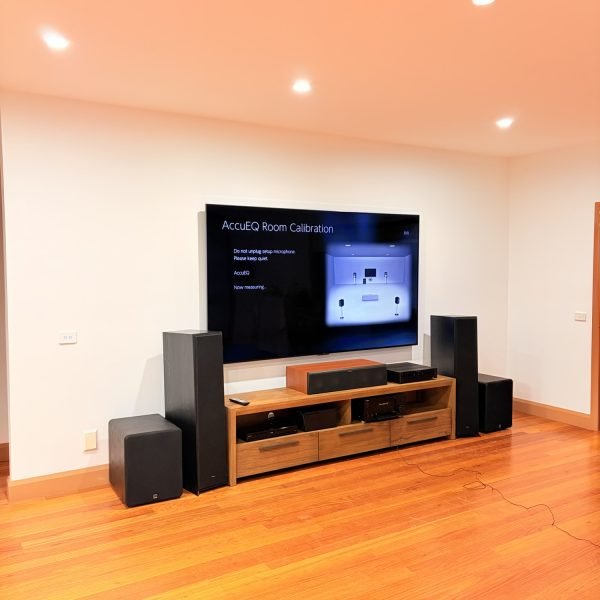
Professional calibration is what transforms a good Home theatre into a true cinema experience.
We fine-tune every detail to deliver:
Clear, balanced sound
Seamless immersive audio
Accurate, cinematic visuals
Integration and Automation
Using Control4, we bring all systems together — cinema, lighting, audio, and more — into one seamless experience.
Everything works in harmony, delivering comfort, simplicity, and total control at the touch of a button.
Calibration Technologies We Work With.
“Calibration ensures every speaker and subwoofer in your home theatre room works together in perfect balance, delivering the sound exactly as it was intended to be heard.”




Cinema Design
Cinema Design
A great cinema room starts with a perfect design—one that blends technology, comfort, and atmosphere into a seamless experience.
Room dimensions & layout – length, width, height, and shape of the room
Seating layout – number of seats, rows, viewing angles, distance from screen
Screen size & type – projector screen or TV, correct size for viewing distance, aspect ratio (16:9 or 2.35:1)
Projection system – projector model, brightness (lumens), resolution (4K/8K), throw distance
Speaker setup – number of channels (5.1, 7.1, 5.1.4 Atmos, etc.), speaker placement, subwoofer positioning
Acoustic treatment – wall panels, bass traps, ceiling treatment to reduce echo and improve clarity
Pre-Cabling
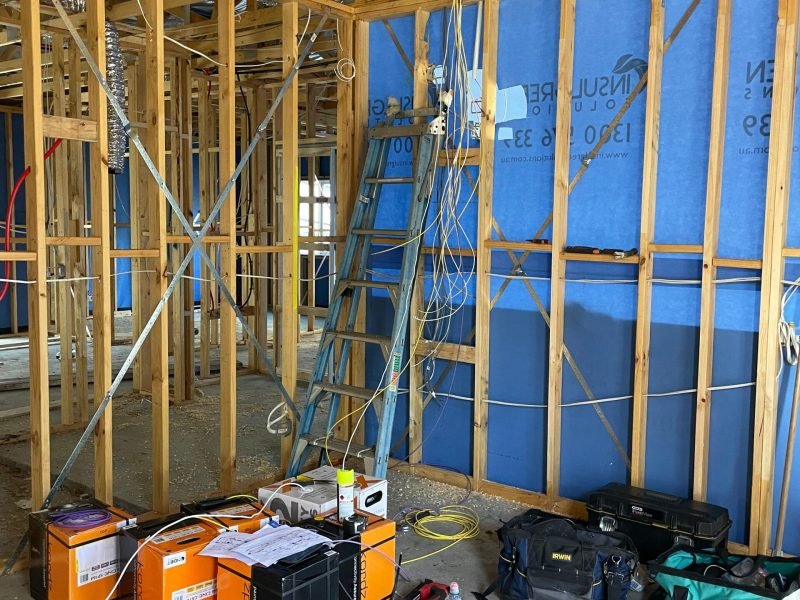
Pre-Cabling
Home cinema pre-cabling is a crucial step in setting up a high-performance, clean, and future-ready entertainment system.
It involves strategically running all necessary cables to achive
Clean look – no messy wires visible after the room is finished
Future proofing – allows easy upgrades later (new speakers, 8K projector, Atmos channels, etc.)
Correct placement – ensures cables reach the right spot for speakers, projector, screen, and seats
Saves cost & time – avoids cutting walls/ceilings later for new wiring
Better performance – using correct cable type and gauge improves sound & video quality
Supports multiple systems – AV, lighting, networking, control, and power can all be integrated smoothly
Flexibility – extra conduits or spare cables allow for future devices or layout changes
Installations & Calibration
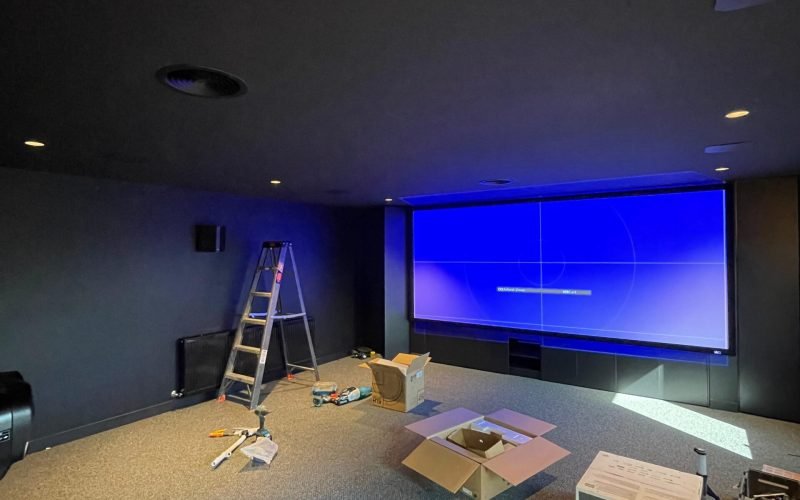
Installation
Installation
Speakers – mounted/placed at correct angles and heights
Projector/TV – securely installed with proper alignment to screen
Screen – fixed at correct height for comfortable viewing
Cabling – hidden neatly inside walls/ceiling or conduits
Rack setup – AV receiver, amps, sources, and networking gear connected properly
Power management – surge protection and dedicated circuits for stable performance
Calibration
Audio calibration – set speaker levels, distances, crossover, subwoofer tuning, room EQ
Video calibration – adjust brightness, contrast, color, sharpness for accurate picture
Seating sweet spot – fine-tune for the best viewing and listening position
Lighting control – set dimming levels, eliminate screen reflections
System sync – test all devices (AV receiver, projector, automation, remotes) work together smoothly
Final testing – run demo movies/music to confirm balanced sound and clear picture
Integration & Automation
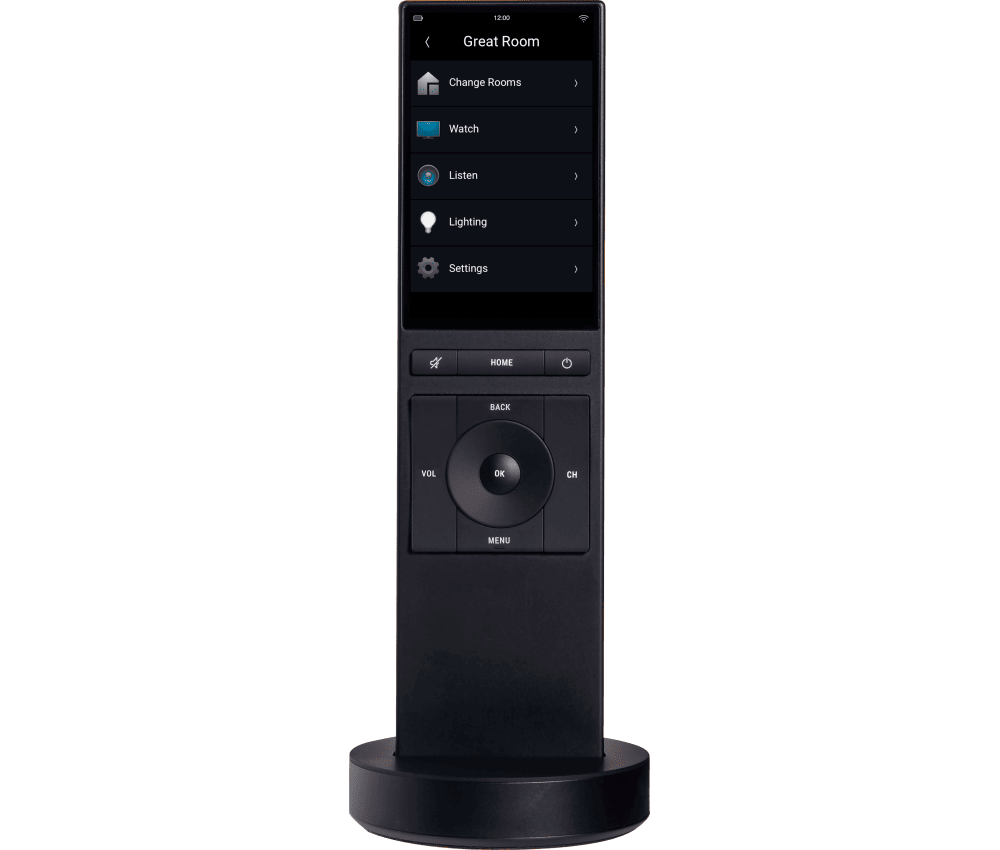
ONE REMOTE. SIMPLIFIED CONTROL.
A tap of the “Movie” button drops the screen, activates the projector, queues the sound, and dims the lights. Enjoy a more simplified viewing experience by replacing multiple remotes with just one that is sleek, sophisticated, and easy for the whole family to use.
The true magic of a home theater is when everything comes together. With Control4, you make your theater investment worthwhile by removing the complexity of managing it all.
Frequently Asked Questions
1. What's the difference between a home theatre and a home cinema?
The terms are largely interchangeable, though “home theatre” is often used for a more flexible entertainment setup — a TV or projector paired with a surround sound system in a living or media room — while “home cinema” more often describes a dedicated, purpose-built room designed specifically for film and immersive audio. Either can range from simple to highly advanced. What matters more than the label is how the space is designed: room layout, speaker placement, screen size and acoustic treatment all shape the final result, whether you call it a cinema, a theatre, or a media room.
2. How much does a home Threatre cost in Melbourne?
Cost depends heavily on room size, equipment tier, and how much construction or acoustic work is involved. A media room built into an existing living space with a quality AV system will cost less than a dedicated, acoustically treated cinema room with a projector, cinema screen, and a full Dolby Atmos speaker layout. Riser platforms, custom joinery, acoustic wall treatment, and premium projectors all add to the budget. The most reliable way to get an accurate figure is a design consultation, where the room and your expectations are assessed before any pricing is discussed.
3. What size room do I need for a home Theatre?
There’s no strict minimum, but viewing distance and speaker placement both scale with room size. A commonly comfortable starting point is around 3m x 4m, which allows for proper seating distance from the screen and enough wall space for surround and Atmos speaker positions. Smaller rooms can still work well — they just need more careful planning around seating distance, screen size, and speaker placement to avoid an overly close or cramped viewing experience. Larger rooms open up options like multiple seating rows or a riser.
4. Do I need a dedicated room, or can I use my living room?
A dedicated room gives you full control over lighting, acoustics, and seating, which is why it tends to deliver the strongest cinema experience. That said, a living room or media room can still be designed for genuinely immersive sound and picture — it just involves working around existing constraints like windows, hard flooring, or open-plan sightlines. Acoustic treatment, motorised blinds, and careful equipment selection can bring a shared living space much closer to a dedicated cinema’s performance.
5. What is Dolby Atmos, and do I actually need it?
Dolby Atmos adds height or ceiling-mounted speakers to a traditional surround sound layout, so sound moves above and around the listener rather than only from the sides and front. It’s most noticeable with film soundtracks that use overhead effects — rain, aircraft, ambient environments — creating a more three-dimensional sense of space. It’s not essential for every setup, but for a dedicated cinema room it’s one of the more worthwhile upgrades over standard surround sound, since the difference in immersion is significant once you’ve experienced it properly configured.
6. How many speakers do I need for a Dolby Atmos system?
Atmos configurations are described with three numbers — for example 5.1.2 or 7.1.4. The first number is your main surround speakers, the second your subwoofers, and the third your height or ceiling speakers. A 5.1.2 setup is a reasonable entry point for a smaller room, while 7.1.4 suits larger dedicated cinemas where there’s space for additional side and rear channels plus more overhead coverage. The right configuration depends on room dimensions, seating layout, and how much of the ceiling can realistically house speakers.
7. Why are some speakers placed behind the screen?
An acoustically transparent screen in home theatre allows sound to pass through the screen material itself, so front left, centre, and right speakers can sit directly behind it at ear or screen height rather than off to the sides. This keeps dialogue and on-screen sound sources aligned with what’s actually happening visually — a voice sounds like it’s coming from the person speaking, not from a speaker box beside the screen. It’s a detail that matters more in a dedicated cinema than in a casual media room setup.
8. What is an acoustically transparent screen?
It’s a projector screen made from a perforated or woven material that lets sound pass through while still displaying a clean image. This is what makes it possible to position centre and front speakers directly behind the screen instead of around it, keeping the sound stage matched to the picture. The trade-off is that these screens generally need a projector rather than a flat-panel TV, and screen selection needs to account for gain, viewing angle, and room lighting.
9. What's the difference between a 16:9 and a 2.35:1 cinema screen?
16:9 matches standard TV and streaming content, so nothing gets cropped or letterboxed. A 2.35:1 screen is wider and matches true cinematic aspect ratio, which is how most feature films are actually shot — content in that format fills the whole screen, while 16:9 content is shown with black bars on the sides. A 2.35:1 setup is a more cinema-purist choice and usually involves an anamorphic lens or a masking system, so it’s generally reserved for dedicated cinema rooms rather than multi-use media spaces.
10. Should I choose a projector or a large TV?
It comes down to room usage, ambient light, and how “cinema” you want the experience to feel. Projectors paired with a proper screen deliver a larger image and a more traditional cinema feel, and perform best in a room with full light control. TVs handle daytime viewing and mixed-use rooms better, since they aren’t as affected by ambient light, and they suit spaces that also get used for everyday TV and gaming. Dedicated cinema rooms usually lean toward projection; multi-purpose media rooms often suit a large-format TV better.