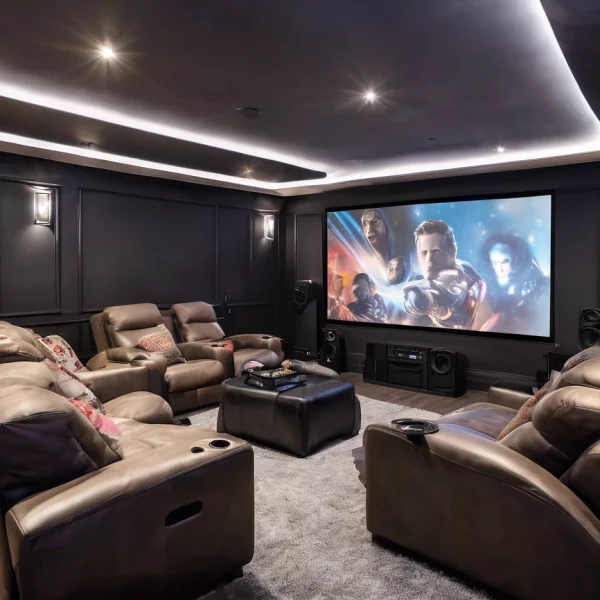
Here’s a helpful blog post on how to install a TV on the wall:
How to Mount a TV on the Wall: A Step-by-Step Guide
Mounting your TV on the wall is a great way to save space, improve viewing angles, and create a clean, modern look in your living room, bedroom, or entertainment area. While it might seem like a job for a professional, with the right tools and a little patience, you can do it yourself. This guide walks you through each step of the process.
Tools and Materials You’ll Need
Before you start, gather the following tools:
- TV wall mount bracket (make sure it’s compatible with your TV size and weight)
- Stud finder
- Power drill and drill bits
- Level
- Screwdriver
- Measuring tape
- Pencil
- Socket wrench
- TV mounting screws (usually included with the mount)
Step 1: Choose the Right Location
Pick a spot on the wall that provides a comfortable viewing angle from your usual seating position. Consider glare from windows and lights, and make sure you have access to nearby power outlets and cable connections.
Pro tip: The center of the screen should be at eye level when you’re seated.
Step 2: Find the Wall Studs
Use a stud finder to locate the studs in the wall where you want to mount the TV. Mark them lightly with a pencil. Mounting your TV directly to the studs is crucial for safety—drywall alone won’t hold the weight.
Step 3: Attach the Mounting Bracket to the Wall
Hold the wall bracket up against the wall, aligned with your stud marks. Use a level to ensure it’s straight, then mark the drill holes. Drill pilot holes into the studs, then attach the bracket using lag bolts and a socket wrench.
Step 4: Attach the Mounting Plate to the TV
Lay your TV face-down on a soft, flat surface. Locate the mounting holes on the back of the TV, and attach the mounting arms or plate using the screws provided. Make sure they’re tight and secure.
Step 5: TV Wall mount
With a friend’s help (TVs can be heavy and awkward), lift the TV and hook it onto the wall bracket according to the manufacturer’s instructions. Some brackets click into place, while others require you to secure with screws or bolts.
Step 6: Hide the Cables (Optional but Recommended)
For a clean, professional look, consider running the cables inside the wall or using a cable management kit. If you’re not comfortable dealing with electrical wiring, use surface-mounted cable covers that can be painted to match your wall.
Step 7: Test and Adjust
Turn on the TV to make sure everything works. Adjust the tilt or swivel (if your mount allows) for the best viewing angle. Step back and admire your work!
Final Thoughts
Wall-mounting a TV can completely transform your space—and it’s easier than you might think. Just take your time, follow the steps, and don’t hesitate to ask for a second pair of hands when lifting the TV.
Have you tried wall-mounting a TV before, or are you planning to give it a shot soon?